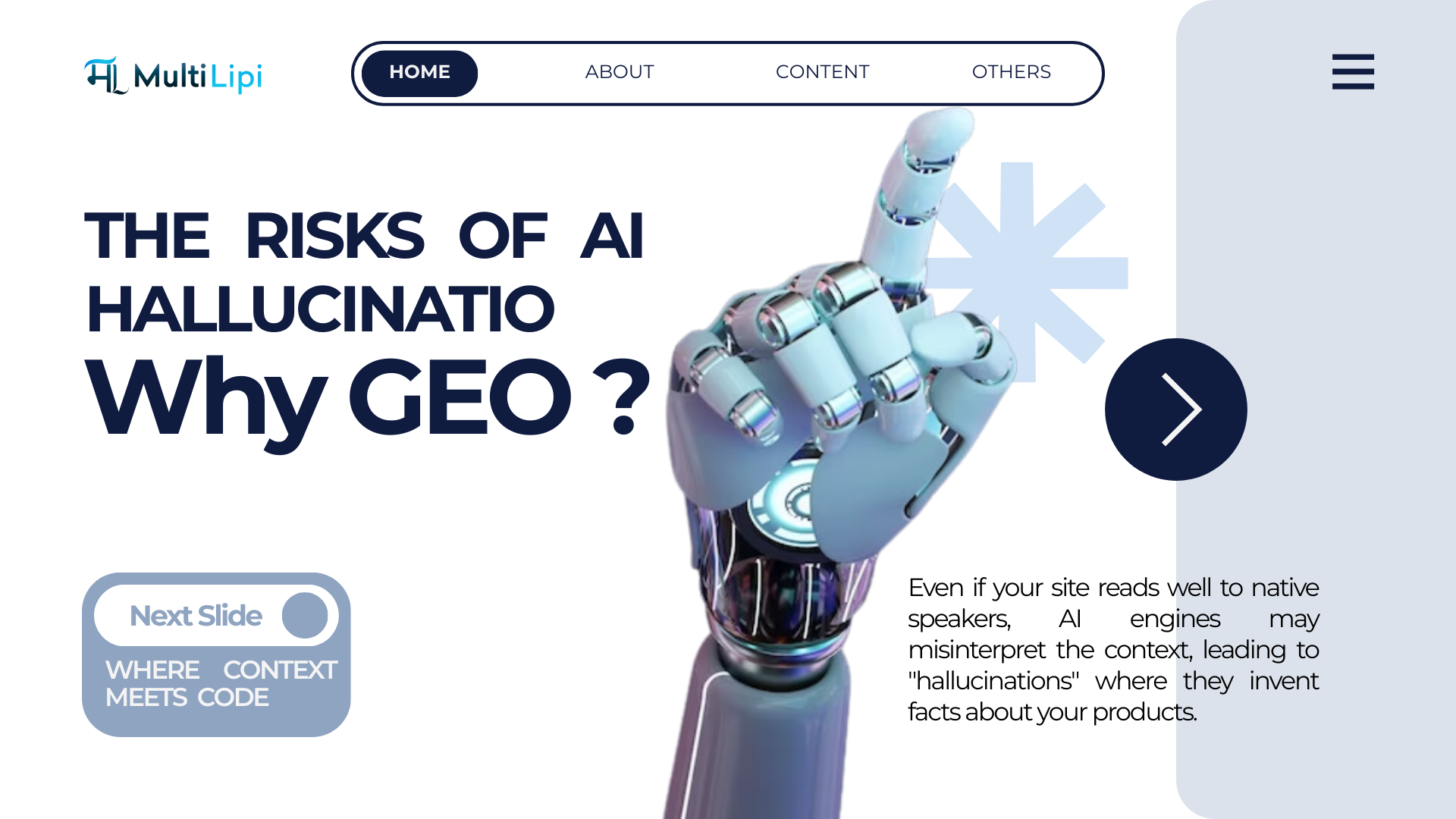
द साइलेंट किलर: जब एआई आपकी बहुभाषी साइट को पढ़ता है तो एआई "मतिभ्रम" क्यों करता है

मल्टीलिपि द्वारा
AI के साथ अपनी वेबसाइट का अनुवाद करें, SEO समस्याओं को ठीक करें, स्मार्ट सामग्री सुझाव प्राप्त करें और अपनी टीम के साथ सहयोग करें। एनालिटिक्स और त्वरित संपादन के साथ 120+ भाषाओं में लॉन्च करें
4.8

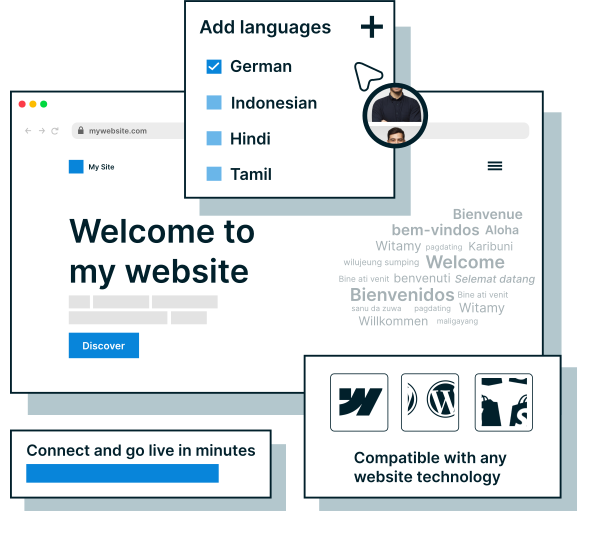
किसी भी वेबसाइट पर MultiLipi जोड़ें और मिनटों में पूरी तरह से अनुवादित, SEO-अनुकूलित साइट प्राप्त करें। no-code एकीकरण के साथ, कोई भी इसे सेट कर सकता है। बस कुछ ही क्लिक के साथ लाइव हो जाएं।
हमारे एकीकरण देखेंजटिल सेटअप को आपको धीमा न होने दें। MultiLipi के साथ, AI का उपयोग करके अपनी वेबसाइट का तुरंत 120+ भाषाओं में अनुवाद करें। एसईओ अंतराल, अअनुवादित सामग्री और मेटाडेटा समस्याओं का पता लगाएं और फिर उन्हें कुछ ही क्लिक में ठीक करें। किसी तकनीकी कौशल की आवश्यकता नहीं है।
मल्टीलिपि सुविधाओं के बारे में अधिक जानें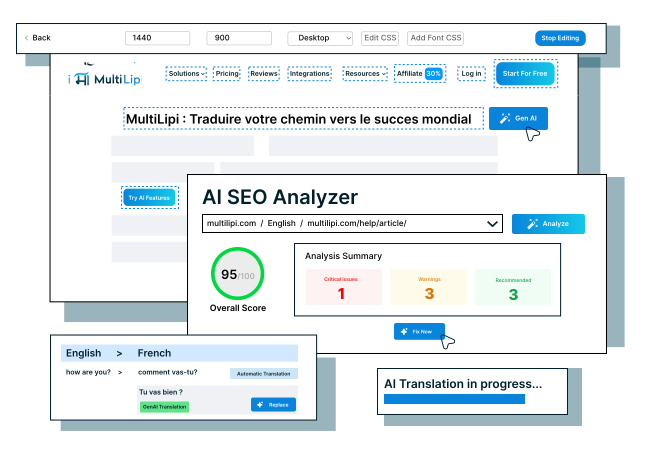
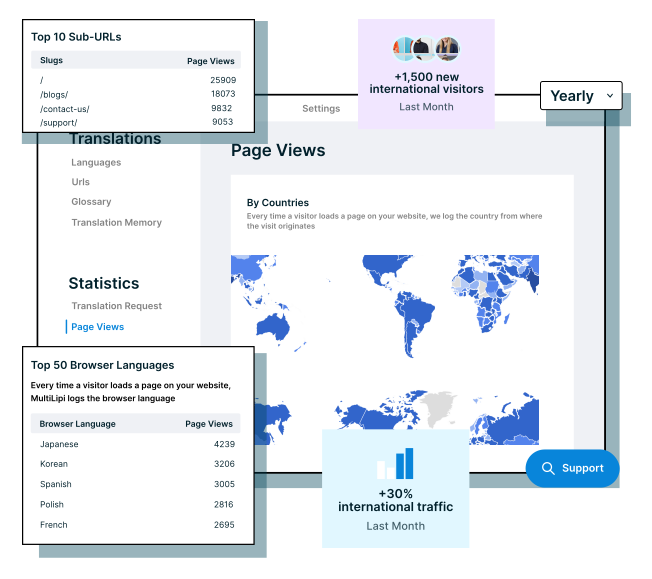
MultiLipi के अंतर्निहित विश्लेषण के साथ शीर्ष भाषाओं और विज़िटर स्थानों को ट्रैक करें। बेहतर स्थानीयकरण निर्णय लें और जुड़ाव बढ़ाएं - यह सब एक डैशबोर्ड से।
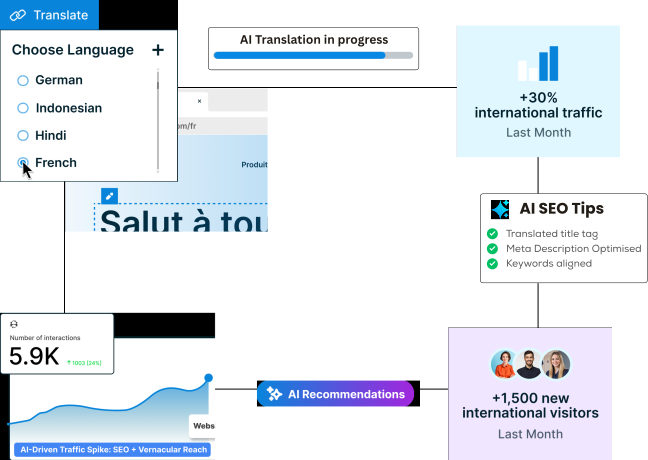
अन्य मल्टीलिपि सुविधाओं के बारे में जानेंस्वचालित रूप से भाषा- टैग, और MultiLipi के साथ अनुवादित मेटाडेटा उत्पन्न करें। आपकी बहुभाषी साइट अनुक्रमित और रैंक हो जाती है - जिससे आपको अंतर्राष्ट्रीय ट्रैफ़िक और दृश्यता को सहजता से बढ़ाने में मदद मिलती है।
बहुभाषी एसईओ के बारे में और पढ़ें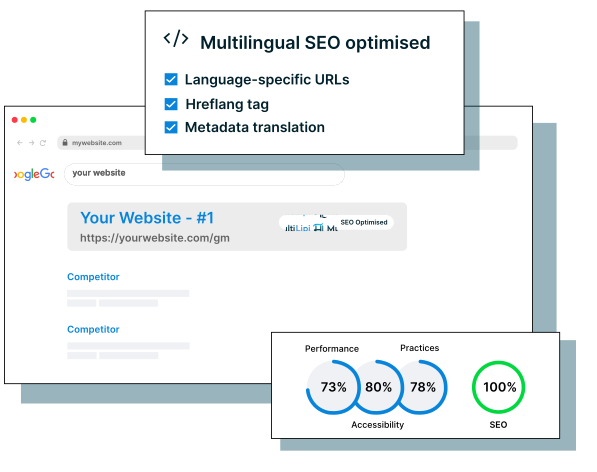
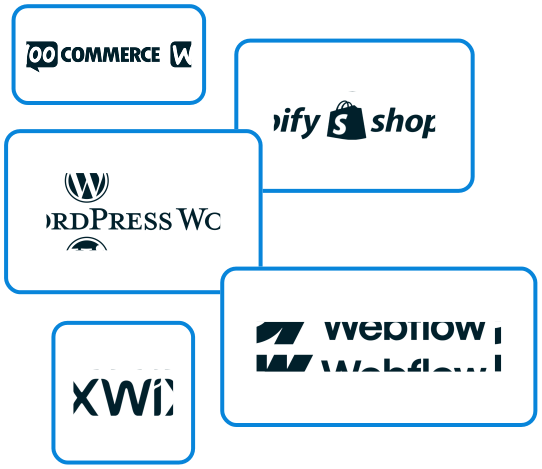
MultiLipi वर्डप्रेस, Shopify, WooCommerce, Webflow और Wix जैसे प्लेटफार्मों के साथ पूरी तरह से काम करता है। चाहे आप सीएमएस या कस्टम टेक स्टैक चला रहे हों, आप किसी भी वेबसाइट का आसानी से अनुवाद कर सकते हैं और अपनी साइट के काम करने के तरीके को बदले बिना अपनी बहुभाषी साइट लॉन्च कर सकते हैं।
"नए बाज़ारों तक पहुंचें, अपने ऑर्गेनिक ट्रैफ़िक को बढ़ावा दें और स्थानीय खोज परिणामों में उच्च रैंक प्राप्त करें।
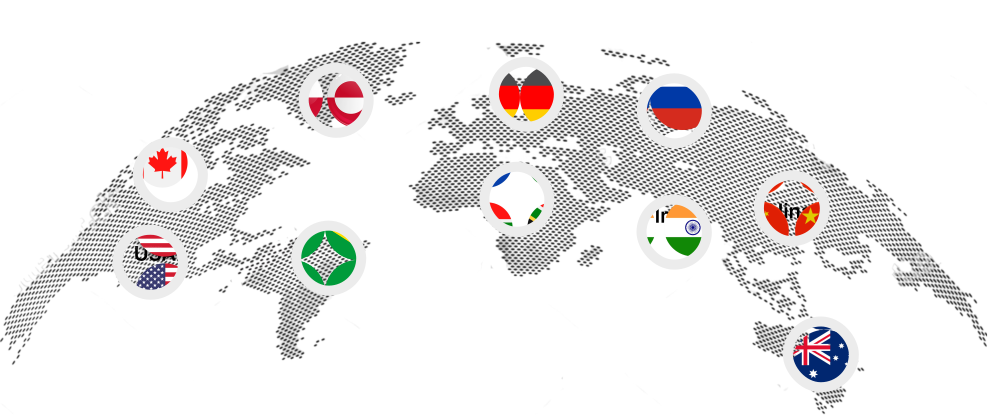
"वैश्विक ब्रांडों से जुड़ें जो भाषा की बाधाओं को तोड़ने और अंतरराष्ट्रीय स्तर पर बढ़ने के लिए हम पर भरोसा करते हैं।





















"हमारे ग्राहक हमारे उत्पादों को पसंद करते हैं। यहां बताया गया है कि उन्हें हमारे साथ अपने अनुभव के बारे में क्या कहना है।
मल्टीलिपि द्वारा

मल्टीलिपि द्वारा

मल्टीलिपि द्वारा


मल्टीलिपि द्वारा

मल्टीलिपि द्वारा

मल्टीलिपि द्वारा

मल्टीलिपि द्वारा


मल्टीलिपि द्वारा

मल्टीलिपि द्वारा

मल्टीलिपि तक तुरंत पहुंच प्राप्त करें और अनुभव करें कि अपनी वेबसाइट का 120+ भाषाओं में अनुवाद करना कितना आसान है। कोई क्रेडिट कार्ड नहीं, no setup, कोई परेशानी नहीं। बहुभाषी एसईओ और अनुवाद मेमोरी जैसी प्रीमियम सुविधाओं को अनलॉक करने के लिए इसे हमेशा के लिए मुफ्त में उपयोग करें या कभी भी अपग्रेड करें।